Passwords are the front door to almost everything you do online: your email, your bank, your social accounts, your cloud storage, and the services your work depends on. Yet most people still rely on short, predictable strings that are easy for a person to guess and even easier for a machine to crack. The good news is that creating strong passwords does not require memorizing random gibberish. With a few principles and the right tools, you can build credentials that are both hard to break and easy to remember.
This guide explains what actually makes a password strong, why length matters more than complexity, how to craft memorable passphrases, and how to manage dozens of accounts without reusing the same secret everywhere.
Why Weak Passwords Are Still a Major Risk
Attackers rarely sit at a keyboard guessing one password at a time. Instead, they use automated tools that try millions of combinations per second, drawing on lists of leaked passwords, common words, keyboard patterns, and personal details harvested from social media. When a database breach exposes passwords, those credentials are often tested against other services in a practice called credential stuffing, because so many people reuse the same password across sites.
Several habits make accounts especially vulnerable:
- Short passwords: Anything under about 12 characters falls quickly to modern cracking hardware.
- Predictable patterns: Sequences like 123456, qwerty, or password1 appear at the top of every leaked-password list.
- Personal references: Names of pets, children, birthdays, and sports teams are easy to research.
- Reuse: One breach can cascade into many compromised accounts.
- Minor variations: Swapping a for @ or adding a single digit at the end is a pattern cracking tools already anticipate.
Understanding these failure modes points directly to the solution: longer, less predictable, and unique credentials for every account.
What Makes a Password Strong?
Password strength comes down to two things: length and unpredictability. Every additional character multiplies the number of possible combinations an attacker must try. A 16-character password drawn from a broad set of characters is vastly harder to crack than an 8-character one, even if the shorter one looks more “complex.”
Modern security guidance, including advice from standards bodies such as NIST, emphasizes length and discourages forced complexity rules like mandatory symbols and periodic forced resets. Those rules tend to produce predictable results such as Summer2024! while encouraging users to write passwords on sticky notes.
Length versus complexity
Compare two approaches:
| Approach | Example style | Memorability | Resistance to cracking |
|---|---|---|---|
| Short and complex | X7#kq2!p | Low | Moderate at best |
| Long and simple | correct-horse-battery-staple | High | Very high |
The long passphrase wins on both counts. It is easier for a human to recall and harder for a machine to brute-force.
The Passphrase Method: Strong and Memorable
A passphrase is a sequence of several unrelated words strung together. Because each word adds a large amount of entropy, a four- or five-word phrase can be extraordinarily strong while remaining easy to visualize and remember.
How to build a good passphrase
- Pick four to six unrelated words. Avoid a coherent sentence, which is easier to guess. Random combinations work best.
- Add separators. Hyphens, spaces, or punctuation between words increase the search space.
- Consider a number or symbol in an unexpected place. Not at the end, where crackers look first.
- Make it personal but not public. A phrase tied to a private memory is easier to recall than a random list, as long as the connection is not obvious from your social profiles.
For example, a phrase built from a childhood kitchen, a favorite tree, a random object, and a color might look like CopperMapleTeacupViolet. It reads almost like a sentence, so it sticks in memory, but the words are unrelated enough to resist dictionary attacks.
Avoid these passphrase mistakes
- Quotes, song lyrics, or famous phrases, which appear in cracking wordlists.
- Words connected by an obvious story that anyone who knows you could reconstruct.
- Reusing the same passphrase with a different number appended for each site.
Use a Password Manager
The most reliable way to have strong, unique passwords for every account is to let software generate and store them. A password manager creates long random strings, fills them in automatically, and keeps them encrypted behind one master password.
Why password managers help
- Uniqueness by default: Every site gets a different password, so one breach cannot spread.
- No memorization burden: You only need to remember one strong master passphrase.
- Phishing resistance: Many managers only autofill on the correct domain, which can alert you to a fake login page.
- Built-in generators: They produce long, random passwords instantly.
Password managers are available as standalone apps, browser features, and built-in tools on phones and computers. When choosing one, look for reputable encryption, a clear privacy policy, and features like two-factor authentication for the vault itself. Your master password should be the strongest passphrase you create, since it protects everything else.
What if you cannot use a manager everywhere?
Some devices, such as a smart TV or a work terminal, may not support a manager. For those, use a memorable passphrase and store it in the manager’s secure notes. Avoid keeping plaintext password lists in email drafts or spreadsheets.
Turn On Two-Factor Authentication
Even a perfect password can be stolen through phishing or a data breach. Two-factor authentication (2FA) adds a second proof of identity, such as a code from an authenticator app or a hardware security key. With 2FA enabled, a stolen password alone is usually not enough to access your account.
Prefer authenticator apps or hardware keys over SMS codes, which can be intercepted through SIM-swapping attacks. Enable 2FA first on your most important accounts: email, banking, and any service that can reset other passwords.
Practical Rules for Everyday Password Hygiene
Strong passwords are only part of the picture. These habits keep your accounts resilient over time:
- Never reuse passwords. If one service is breached, reused credentials put every other account at risk.
- Change passwords when there is a reason. That means after a breach notice, a suspected compromise, or when someone who knew the password no longer should. Routine forced changes tend to weaken passwords rather than strengthen them.
- Use unique passwords for email above all. Your email account can reset passwords for almost everything else.
- Check breach notifications. Services such as Have I Been Pwned let you see whether your email appears in known breaches, prompting a timely password change.
- Be wary of phishing. No password is strong enough if you type it into a fake site. Verify the address bar and navigate to sensitive sites directly.
- Log out on shared devices. Public computers and borrowed phones should never retain your sessions.
Common Myths About Strong Passwords
“Complex passwords are always stronger”
Complexity helps only if it adds unpredictability. A short password with symbols is still short. Length contributes far more to strength than a forced mix of character types.
“I should change my password every month”
Frequent forced changes encourage small, predictable tweaks like incrementing a number. Change passwords when there is a specific reason, not on a fixed calendar.
“A password manager is a single point of failure”
The vault is encrypted, and reputable managers design their systems so that even the provider cannot read your data. The risk of reusing weak passwords across dozens of sites is far greater than the risk of using a well-built manager.
“Memorizing everything is safer”
Human memory is limited. Trying to memorize dozens of unique strong passwords usually leads to reuse or insecure notes. Let a manager handle storage and reserve your memory for the master passphrase.
A Step-by-Step Plan to Upgrade Your Passwords
- Choose a password manager and install it on your main devices.
- Create a strong master passphrase using the four-to-six-word method, and enable 2FA on the vault.
- Start with your most important accounts: email, banking, and work logins. Replace each password with a generated one.
- Work through the rest as you log in to each service, updating passwords gradually rather than all at once.
- Enable 2FA everywhere it is offered, prioritizing authenticator apps or security keys.
- Remove old accounts you no longer use, since forgotten logins are still breach risks.
- Review annually. Check for breach exposure and confirm recovery email addresses and phone numbers are current.
Balancing Security and Convenience
The best password strategy is the one you will actually follow. A theoretically perfect system that feels too cumbersome will be abandoned. Passphrases give you memorable strength for the few passwords you must know by heart, while a password manager handles the long random strings for everything else. Two-factor authentication covers the gaps that remain.
Security is a practice, not a single decision. Start with your email account, adopt a manager, and let generated passwords replace reused ones over time. Each improvement reduces the chance that one leaked database turns into a cascade of compromised accounts, and the habits become easier with every account you update.
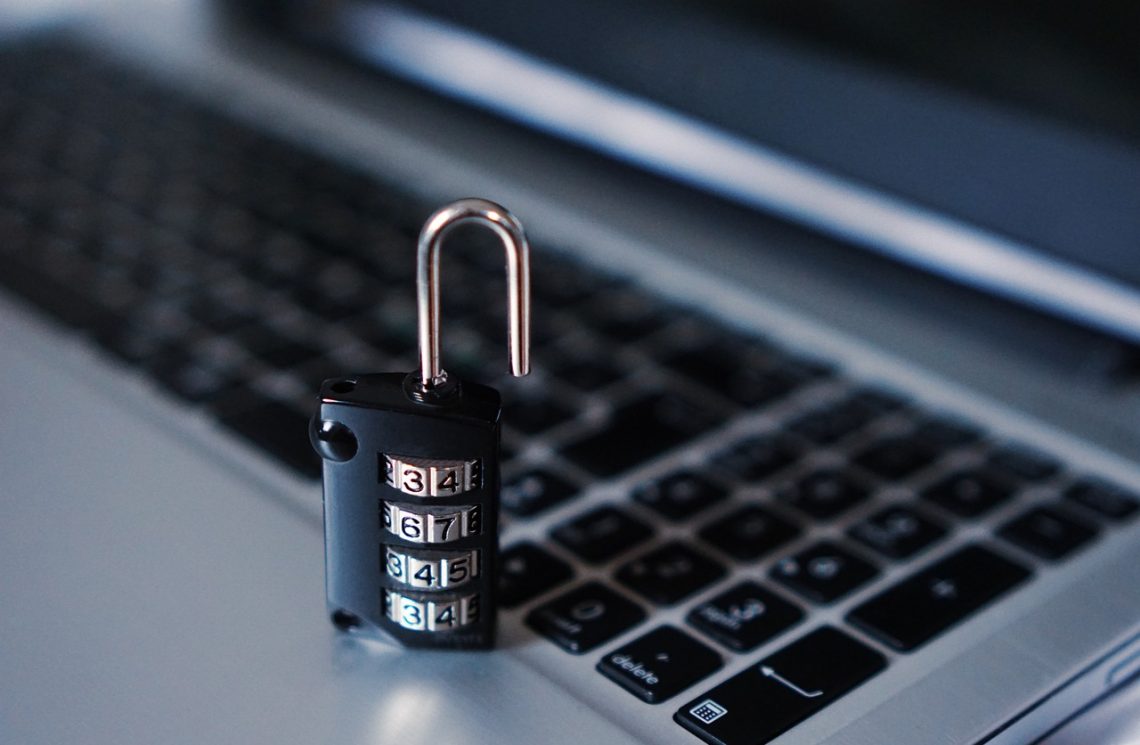
Illustrative stock photo: TheDigitalWay / Pixabay.